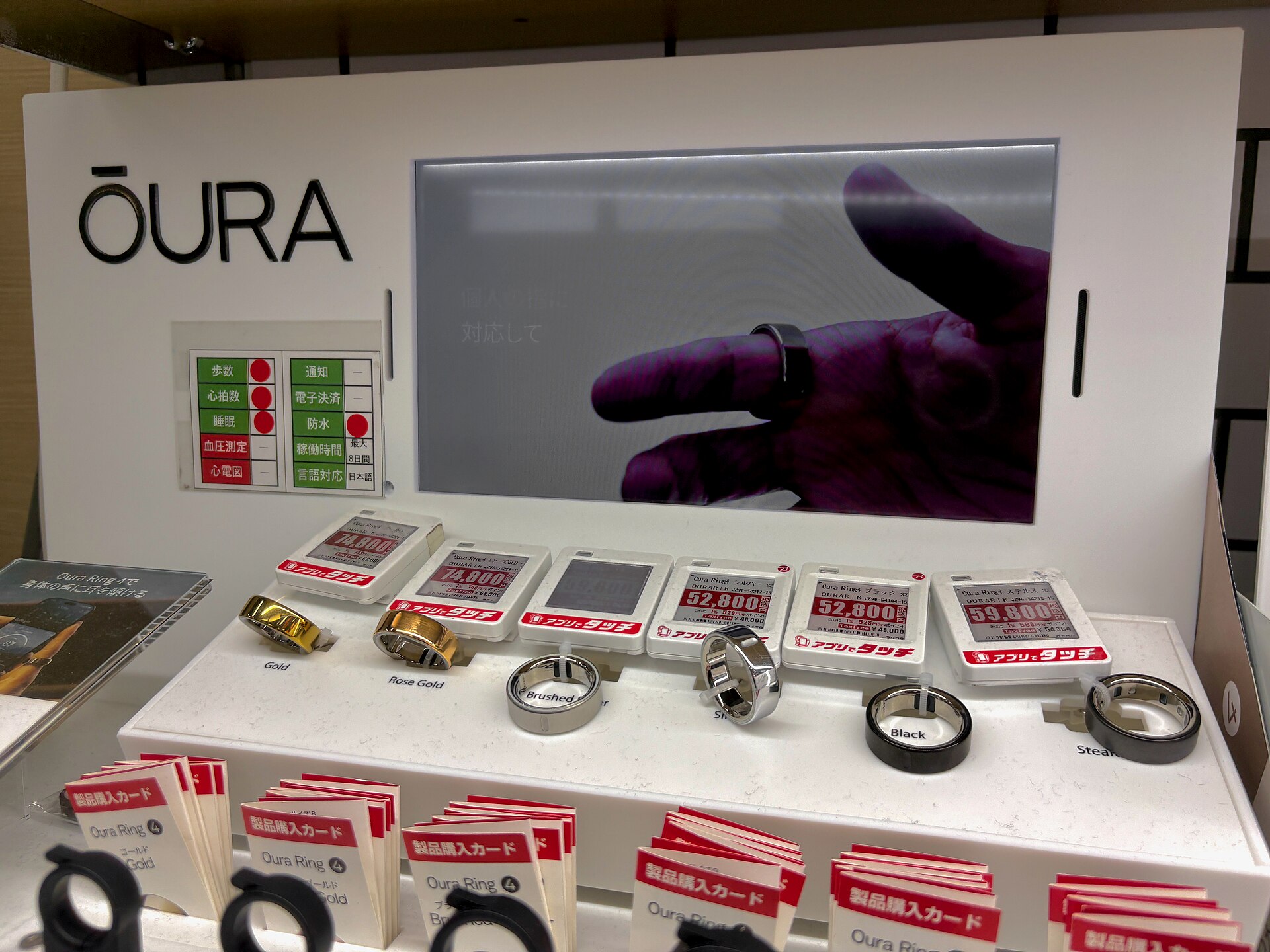
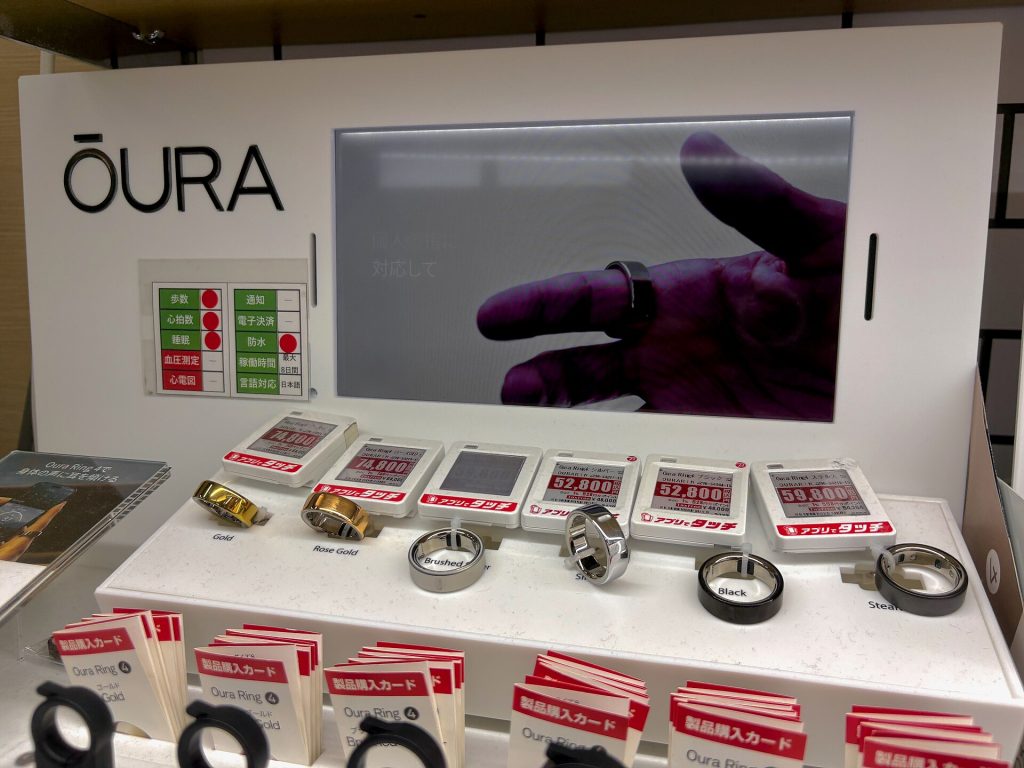
No, you should not pick your usual ring size when you order an Oura Ring. Oura makes its rings in whole sizes only, and those sizes differ slightly from standard US ring sizes. A size 7 from a jeweler is therefore no guarantee of a size 7 Oura Ring. The free sizing kit is the way to find out.
The only shortcut is for people who have already used an Oura sizing kit for the same ring generation, or borrowed one from a friend. They can select a size directly at checkout. Everyone else starts by choosing Size Later at checkout. You find your size at home with the plastic sizers in the kit.
Oura Ring 5 and Ring 4 have different sizing kits
Sizing differs slightly between Oura Ring generations, and each generation has its own sizing kit. The Oura Ring 5 has a redesigned interior that fits differently than the Oura Ring 4, so a size that suits you in one generation may not suit you in the other. The box is labeled with the generation it is meant for.
- Oura Ring 5 sizing kit: sizes 6 to 13.
- Oura Ring 4 sizing kit: sizes 4 to 15.
If your finger measures 4, 5, 14 or 15 on Oura’s scale, only the Ring 4 comes in your size. Our comparison of the Oura Ring 5 and Ring 4 covers the other differences between the two rings.
How to use the Oura Ring sizing kit, step by step
- Choose Size Later at checkout. When you order from the Oura online store, the Size Later option adds a complimentary sizing kit to your ring purchase. Oura does not sell the kit on its own in its online store. Many authorized retailers do sell it separately.
- Open the kit. Inside are several plastic ring sizers. They have the same width and circumference as the real ring, but the Oura Ring itself weighs slightly more. The sizers also do not give you the feel or quality of the finished ring, so judge them only on fit.
- Pick a finger. You can wear the ring on any finger, but Oura recommends the index finger for the best accuracy. The middle and ring fingers also work well. Avoid a finger where the knuckle is much wider than the base. Try the sizers on both hands and on different fingers to find the most comfortable one.
- Test the fit. The ring should feel snug, not tight, and sit securely at the base of your finger. Then make a fist. If you see a gap between the sizer and the top of your finger, try a smaller size.
- Wear the sizer for at least 24 hours. Fingers change size during the day and night, so keep the sizer on for a full day, and sleep in it. Check that it still feels right while you work, cook, exercise or do whatever else a normal day involves.
- Stuck between two sizes? Choose the smaller one. The sensors inside the ring work best when they stay in close contact with your skin, especially on the underside of the finger. The plastic sizers can also feel a little stickier on the skin than the real ring, so the ring itself may fit more smoothly.
- Confirm your size. Your ring does not ship until you do. If you bought from the Oura online store, go to My Orders, enter the email address you used for the order and click Get code. The code arrives by email, works once and expires after 15 minutes. Once you are logged in, confirm the ring size. If your order has several items, each one needs a size before the order can ship. If you bought the kit from an authorized retailer, go back to that retailer and buy the ring in your size.
After you confirm, Oura sends an email when the order has left its warehouse. Under typical circumstances that email arrives within one to two days of confirming your size, and the ring should be delivered within two to five business days of the email. Those times apply to orders through Oura’s own store and My Orders.
You do not need to send the sizing kit back. You can pass it on to someone else or recycle it.
Mistakes that lead to the wrong size
- Using a ring you already own as the guide. Other rings most likely use different measurements, so size with the Oura sizers instead.
- Using the wrong generation’s kit. Use the kit labeled for the ring you are buying.
- Deciding after an hour.
- Rounding up when in doubt.
If the ring still doesn’t fit
If the ring feels too tight or too loose even though you used the sizer, contact Oura’s Member Care team, which will work with you to find the right size or another solution. If your finger size changes later, you can also move the ring to another finger or the other hand, as long as it still fits snugly.
How to check the size of an Oura Ring you already have
The size is marked on the inner side of the ring, opposite the sensors. You can also find it in the Oura app: tap the icon in the upper-right corner of the Today tab to open My Devices, then tap your ring. If you are switching generations, use the new generation’s sizing kit.
For a full look at how the previous generation performs, read our Oura Ring 4 review, or compare the Ring 4 with the competition in our guide to the best smart ring. Our Ultrahuman Ring Air sizing guide walks through that company’s sizing kit.
On November 7, 2026, Oura’s support page on choosing a ring size, last updated on October 7, 2026, listed the Ring 5 sizing kit as sizes 6 to 13 and the Ring 4 kit as sizes 4 to 15.
Last fact-checked: 7 November 2026